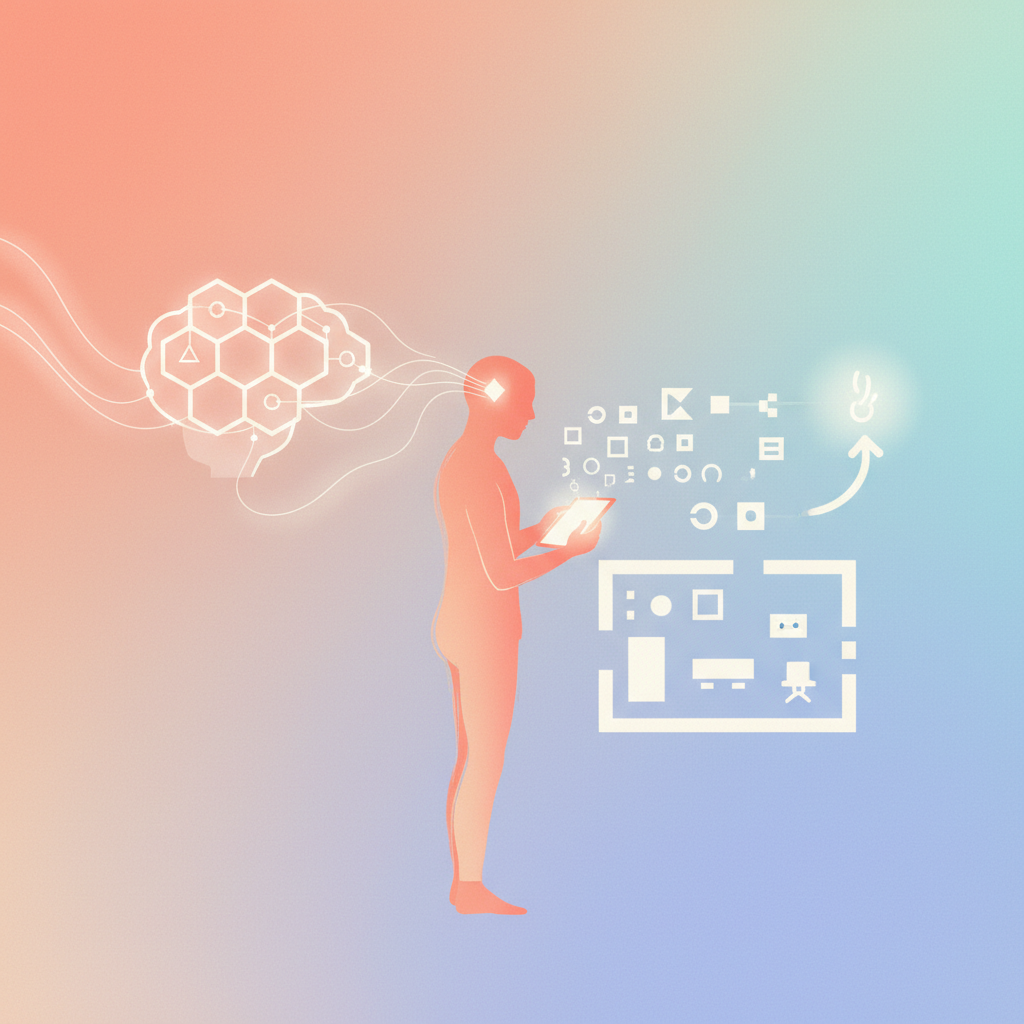
There’s a lot of talk about AI design agents, and most of it is speculative. Forget the hype. An AI design agent isn’t a sentient robot designer that will take your job. It’s a specialized AI model configured to handle specific design tasks autonomously. It acts as a force multiplier for a solo studio, not a replacement.
Defining the "agent"
An AI agent, in the context of design, is a system built around a large language model (LLM) like Claude. It’s given a clear objective and a set of tools. Think of it as a highly capable, if narrowly focused, intern you’ve trained meticulously. Its "autonomy" comes from its ability to break down a complex task into sub-tasks, execute them using its tools, and course-correct based on feedback – either internal or, eventually, from you.
For a solo designer, this means you can delegate repetitive or time-consuming tasks that don’t require your unique creative genius. It’s not about generating entire brands with a single prompt; it’s about making discrete parts of that process more efficient.
Practical applications in a solo studio
An AI design agent shines when it’s given defined parameters and a clear goal. Here’s what it can genuinely do:
Content Generation and Refinement
Design isn’t just visuals; it’s also the words that accompany them. An agent can draft marketing copy, website text, social media captions, or even help refine the messaging for a client presentation. Once you provide the core message and tone, the agent can iterate quickly, saving you hours of writing and editing.
Research and Analysis
Before you even open Canva, there’s research. An agent can summarize industry trends, conduct competitive analysis, or gather insights on target audiences. Feed it a brief, and it can comb through vast amounts of information to pull out key findings, informing your design decisions before you commit time to execution.
Brand Guideline Adherence and Auditing
Consistency is crucial. An agent can be trained on a client’s brand guidelines. Then, it can audit existing designs or even new creations for adherence to color palettes, typography, and logo usage rules. This isn’t creative work; it’s systematic validation, and an agent can do it faster and more accurately than a human, reducing costly errors and revisions.
Basic Visual Asset Creation (with limits)
This is where expectations need managing. An agent can’t design a groundbreaking logo from scratch. But it can generate variations of existing visual elements, create mood boards based on textual descriptions, or even produce simple icons or illustrations following strict style guides. For example, if you need 20 consistent social media graphics from a template, an agent can populate the text and basic imagery much faster than you can manually. It excels at tasks where repetition and defined inputs are key.
The agent as an extension of your system
Think of an AI design agent not as a standalone entity, but as another tool in your studio’s system. Just like you integrate Canva into your workflow for visual creation, or a project management tool for client communication, an agent gets integrated for cognitive automation. It requires setup, training, and ongoing supervision. It’s not a magic bullet, but a sophisticated automation layer for specific parts of your design process. You must define the inputs, the desired outputs, and the success criteria. Without this human oversight, an agent is aimless.
The bottom line
An AI design agent, when properly configured, is a powerful assistant for a solo studio. It automates predictable, rules-based tasks, freeing you to focus on high-value creative work, client strategy, and business growth. It augments your capacity, allowing you to take on more while maintaining quality, without sacrificing your sanity. It won’t replace your design intuition, but it will make it more efficient.
For a complete system on how to integrate AI into your solo design studio using Claude and Canva, check out The Connected Studio field manual. You can find it at https://connectedstudio.app/.